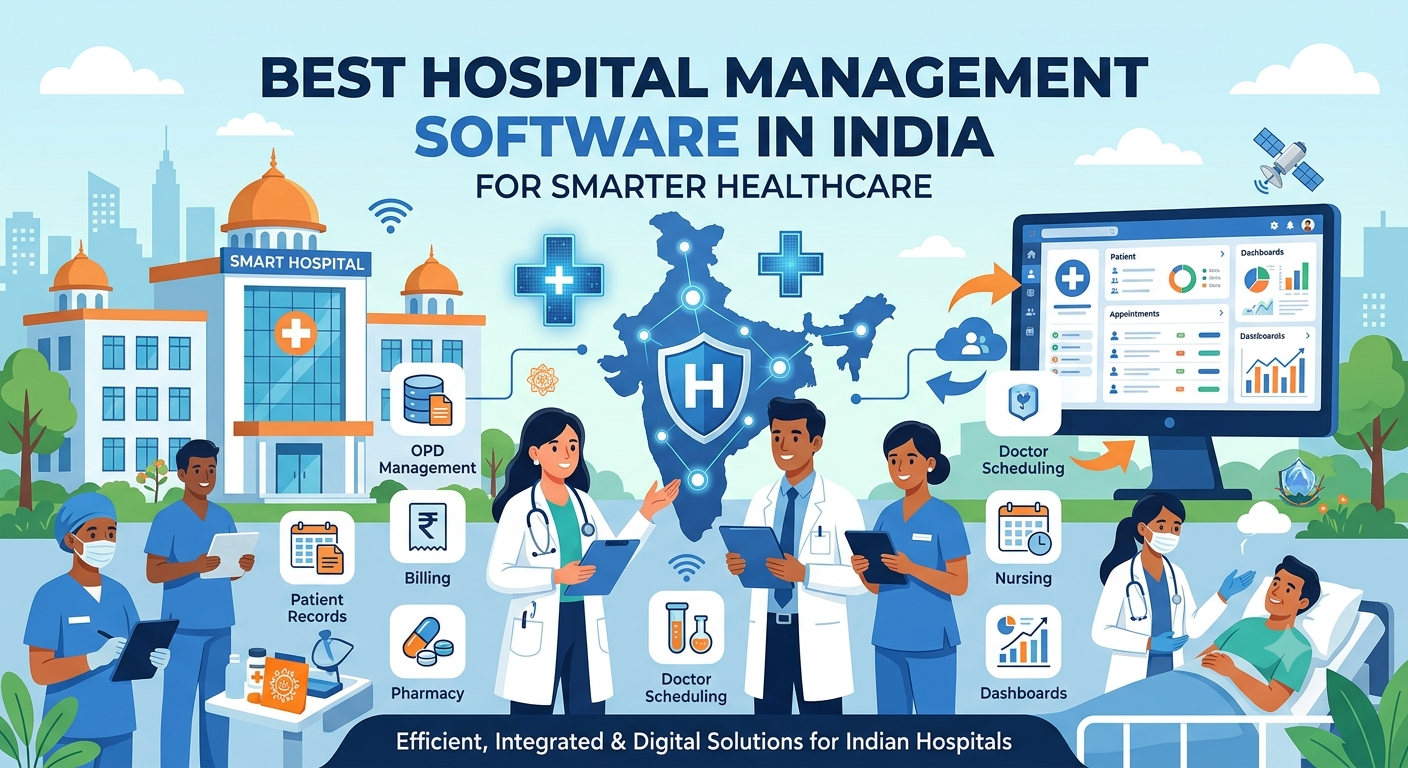
INDIA
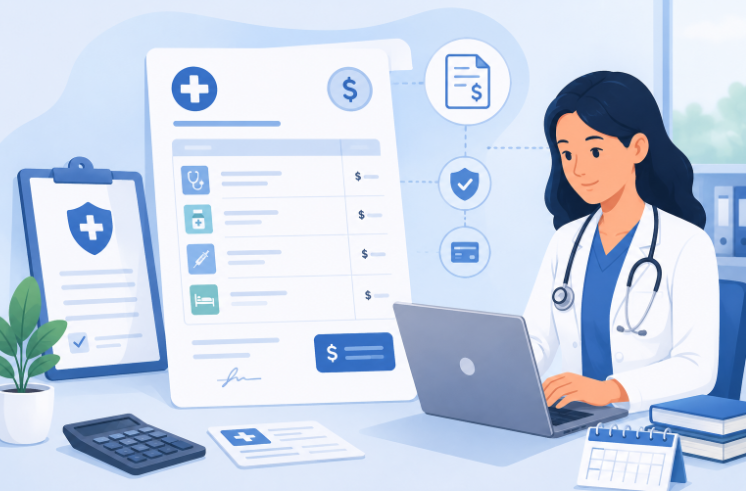
INDIA USA
USA
Hospital Administration Software Driving Healthcare Growth in India
Behind every well-run hospital is an administrative engine that most patients never see — the scheduling, records, billing, and coordination that keep departments moving in sync. As hospitals in India grow busier and more complex, hospital administration software has become the backbone that holds these moving parts together, replacing scattered registers and manual follow-ups with a system administrators can actually rely on.
What Hospital Administration Actually Involves
Hospital administration isn't a single task — it's the sum of dozens of smaller responsibilities that keep a facility functioning day to day. This includes managing patient flow from the front desk onward, coordinating staff schedules across shifts, overseeing billing accuracy, tracking supplies, and generating reports that leadership uses to make decisions.
In smaller hospitals, one or two people often juggle most of these tasks manually. In larger facilities, entire teams are dedicated to administration, yet still struggle if the underlying processes aren't organized. Either way, the quality of hospital administration directly shapes how smoothly patients move through the system and how efficiently staff can do their jobs.
Common Administrative Challenges Hospitals Face in India
Administrative teams across Indian hospitals tend to run into similar recurring problems, regardless of hospital size:
These challenges rarely show up as one big failure — they build up gradually through small inefficiencies that eventually slow the entire hospital down. What often makes this worse is that each department tends to solve its own version of the problem separately, using its own notebook, spreadsheet, or informal process, which only adds another disconnected layer for administrators to track.
Why Staff Coordination Breaks Down Without the Right System
Staff coordination is one of the first areas to suffer when administrative processes are handled manually. Shift changes, department transfers, and last-minute schedule adjustments are hard to track on paper or through scattered messages, which often leads to gaps in coverage or duplicated effort.
A centralized system gives administrators a single place to view who's on duty, which department needs support, and where gaps might appear before they become a problem. This kind of visibility is difficult to maintain manually once a hospital grows beyond a handful of staff members.
Coordinating Multiple Departments During Peak Hours
Administrative pressure rarely spreads evenly through the day. Most hospitals see sharp spikes during morning OPD hours, weekends, or seasonal illness surges, and it's exactly during these windows that coordination gaps become most visible. A patient waiting at registration, a lab that hasn't been notified of an incoming sample, or a ward that isn't aware a bed is about to be needed — these small timing mismatches compound quickly when volume is high.
Handling peak hours well isn't just about having enough staff on duty; it's about making sure every department has the same real-time picture of what's happening elsewhere in the hospital. Administrators who can see incoming patient load, current department capacity, and staff availability together are far better positioned to redistribute work before a backlog builds up, rather than reacting to it after patients are already affected.
Patient Registration: Where Administrative Workflows Begin
Every administrative process in a hospital starts with patient registration. If this first step is slow or error-prone, the delays carry forward into every department the patient interacts with afterward.
Digitized registration reduces repeated data entry, cuts down on duplicate patient records, and gives front-desk staff a faster, more consistent process to follow — which matters most during peak hours when patient volume is highest.
Appointment Scheduling Without the Back-and-Forth
Manual appointment scheduling often involves phone calls, handwritten registers, and a fair amount of guesswork about doctor availability. This creates friction for both patients and staff, especially when multiple departments are involved.
An organized scheduling process gives patients clear visibility into available slots and gives administrative staff an accurate, real-time view of the day's appointments — reducing overbooking, no-shows, and the constant back-and-forth that eats up staff time.
Billing as an Administrative Function, Not Just a Financial One
Billing is often treated purely as a finance task, but from an administrative standpoint, it's closely tied to patient experience and staff workload. Manual billing increases the chances of calculation errors, missed charges, or delays in generating final bills at discharge.
When billing is integrated into the broader administrative workflow, charges related to consultations, tests, and procedures are captured as they happen, rather than being reconstructed manually at the end of a patient's stay.
Inventory Oversight From an Administrative Lens
Inventory management may seem like a separate function, but administrators are usually the ones accountable when supplies run short or go untracked. Manual stock registers make it difficult to know exact quantities in real time, which can lead to last-minute shortages or unnecessary over-ordering.
Reporting and Visibility for Hospital Administrators
Administrators are expected to answer questions leadership asks regularly: How many patients were registered this week? Where are the billing delays coming from? Which department is understaffed? Without organized reporting, answering these questions means manually compiling data from multiple sources.
Structured reporting turns scattered daily data into something administrators can actually act on, rather than spending hours assembling numbers before every management meeting. It also makes it easier to spot slow-forming trends — a gradual rise in patient wait times, a department consistently running short on a particular supply, or a pattern in billing delays — well before they turn into a bigger operational issue.
What a Good Administration Dashboard Should Show
A well-designed administrative dashboard should give a hospital administrator a quick, accurate snapshot of daily operations without requiring them to dig through separate systems. At minimum, this typically includes:
This is exactly the kind of centralized view that a good administrative system is designed to provide — replacing multiple disconnected checks with one consolidated picture.
Workflow Automation and Administrative Efficiency
Many administrative tasks are repetitive by nature — sending appointment reminders, updating patient status, or flagging pending payments. Automating these routine steps frees up administrative staff to focus on tasks that actually require human judgment, like handling patient concerns or coordinating between departments.
Over time, this shift toward automated, efficient administrative workflows is also what allows hospitals to scale up operations — sometimes growing into a broader smart hospital management system as their needs expand beyond day-to-day administration alone.
Choosing the Right Hospital Administration Software for Your Team
I Can Care Flow was built with the day-to-day realities of hospital administration in mind. Rather than treating administration as an afterthought within a larger feature list, it focuses on giving administrators a practical, centralized way to manage registration, scheduling, billing, inventory tracking, and reporting from one place.
For hospitals looking for hospital administration software that fits how their teams already work, I Can Care Flow is designed to reduce the manual back-and-forth that typically slows administrative staff down, without requiring a steep learning curve during rollout.
FAQs
What is the main purpose of hospital administration software?
Its main purpose is to centralize administrative tasks — registration, scheduling, billing, inventory, and reporting — so hospital staff aren't relying on manual records or disconnected systems to manage daily operations.
Is this kind of system only useful for large hospitals?
No. Smaller hospitals often benefit just as much, since fewer administrative staff usually means each person is handling more responsibilities — making an organized system even more valuable for daily efficiency.
What administrative tasks can be automated?
Common examples include:
How does this kind of software improve staff coordination?
By giving administrators a single, real-time view of staff schedules, department needs, and daily patient load, reducing the miscommunication that often happens when coordination is handled through calls or paper registers.
What should a hospital look for before adopting a new administrative system?
Beyond features, it's worth checking how much training staff will need, whether existing patient and billing records can be migrated without data loss, and how responsive the vendor is during the first few weeks of rollout — since that early period usually determines how smoothly the switch actually goes.
Related reading: What Is a Hospital Information System (HIS)? Full Form, Modules and Benefits
Conclusion
Strong hospital administration doesn't happen by accident — it comes from having the right processes and systems in place to manage the details that keep a hospital running smoothly. As Indian hospitals continue to grow in patient volume and complexity, hospital administration software is becoming less of an optional upgrade and more of a practical requirement for keeping staff coordinated, patients served efficiently, and administrative teams focused on work that actually needs their attention. Hospitals that invest in getting these fundamentals right tend to see the benefit not just in smoother daily operations, but in how much easier it becomes to plan for growth down the line.
See I Can Care Flow in Action
Talk to our team and find out how I Can Care Flow can simplify registration, scheduling, billing, and reporting for your hospital's administrative staff.